Chart history helps teams understand how a chart changed over time.
What chart history is for
Use chart history when you need to review past query changes, understand why a visualization changed, or recover context from earlier chart versions.
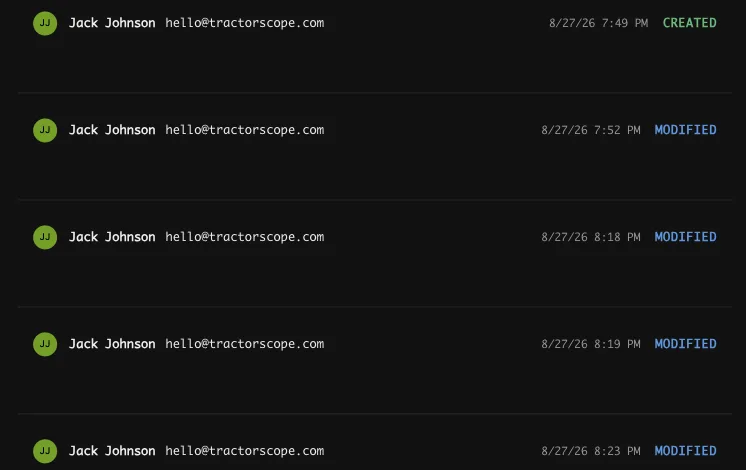
History opens from the clock icon under the SQL editor. Each entry records who changed the chart and when:
AI-generated charts
When a chart is created with AI, the initial prompt can provide useful context for why the chart exists and what it was intended to show.
Good chart-change habits
- Give charts clear names.
- Keep SQL readable.
- Use aliases for result fields.
- Save meaningful changes after testing.
- Review generated SQL before sharing AI-created charts.
When to check history
Check chart history when a chart no longer matches expectations, when a dashboard metric changed, or when multiple editors work on the same dashboard.